Capture the moment.
Scan receipts, notes, and everyday documents with your mobile camera.

Your everyday document space
A PDF scanner app for your phone and browser.
Turn everyday paperwork into clear PDFs. Scan, organize, and keep your files close—on your phone and in your browser.
7-day trial for eligible new subscribers · 15 GB included
Folders
Recent
A simpler workflow
Paperwork happens everywhere. Give it one straightforward path to your workspace.
Scan receipts, notes, and everyday documents with your mobile camera.
Adjust the page and save a clear PDF, ready for your next step.
Keep documents in folders and access your files across devices.
Made for your everyday
Use the PDF viewer to find a page.
Waiting time shortened.
Bring receipts, project files, and personal records together in folders that make sense to you.
Keep your documents available across mobile and web with cloud sync and 15 GB of storage.
Translate your PDF or Word document into a new reading copy. Keep the original and find the translated file beside it.
Explore translationIncludes up to 50 source pages of translation a month, in your subscription and trial.
Up to 30 pages and 20 MB per document. Scanned documents without text are not supported.
Create a machine-translated reading copy. Sign the original, not this copy.
Waiting time shortened.
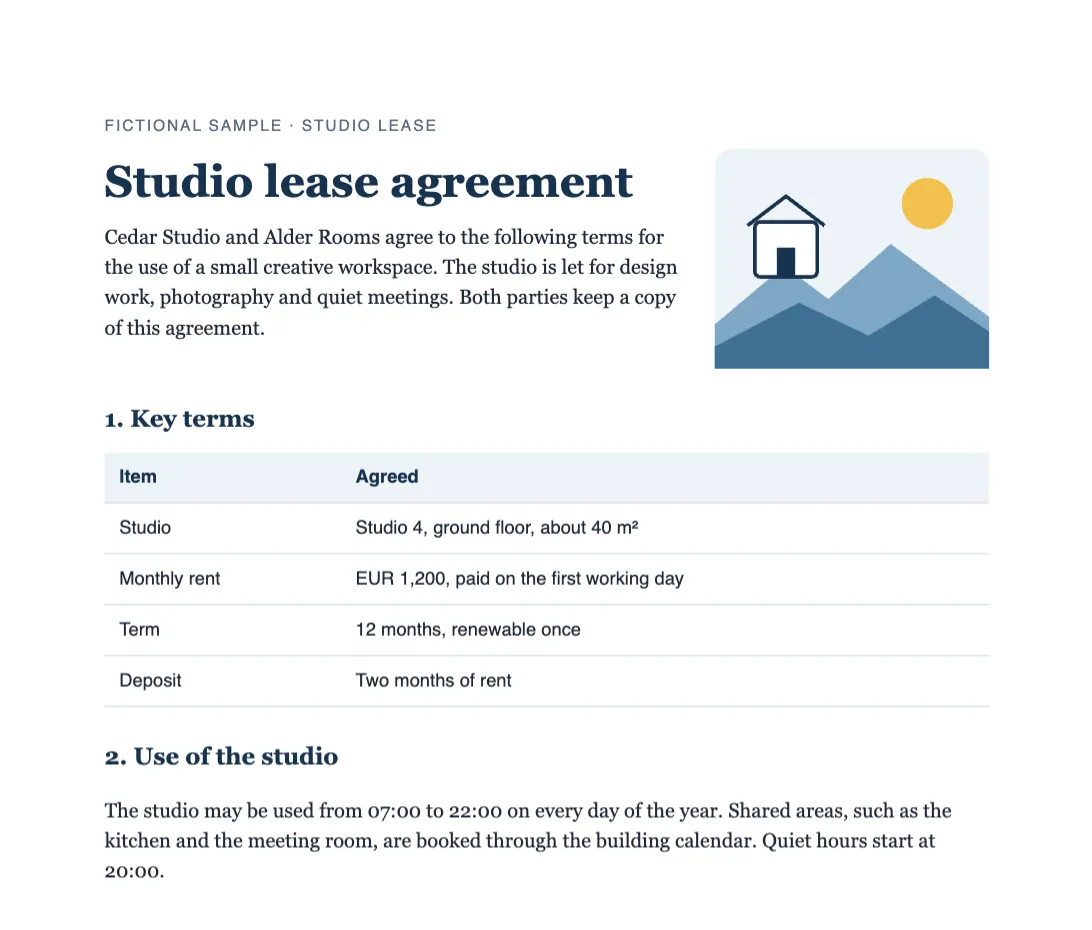
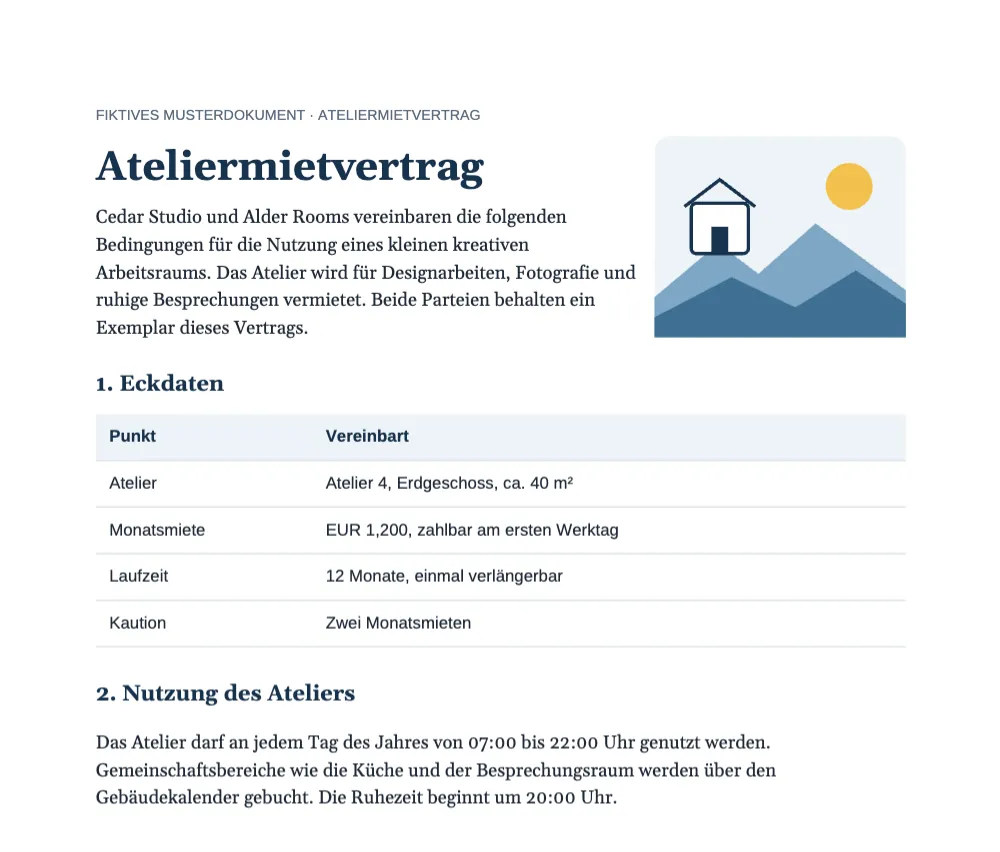

Maschinelle Übersetzung – nur Lesekopie. Maßgeblich ist das Originaldokument.
Real app preview · fictional document
Machine translation — reading copy only. The original document governs. Always sign the original.
English · German · French · Spanish · Italian · Polish · Brazilian Portuguese · Ukrainian
Word documents, in your workspace
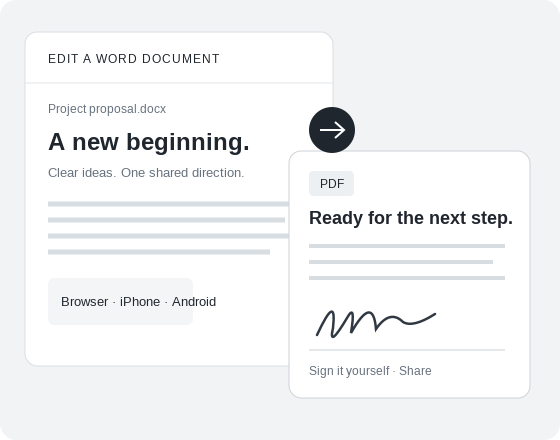
Keep scans and Word documents in one workspace. Edit in your browser or the iPhone and Android apps, then convert to PDF, sign it yourself and share.
Prepare to email a file from the app to a contact.
Waiting time shortened.
Open Word documents (.docx and .doc), make your changes and save back to the same file. Older .doc files are saved in the newer .docx format.
Edit a DOC or DOCX file. An internet connection is required.
Waiting time shortened.
Convert Word to PDF, then add your own signature and share the result.
Convert a Word document to PDF.
Waiting time shortened.
Upload a picture and it automatically becomes a PDF, ready to keep alongside your documents and scans.
Other Office files can be uploaded, stored, downloaded and emailed. Editing and PDF conversion are available for Word documents only.
Internet is required for editing and conversion.
Simple subscription
One plan with the same features, whether you choose monthly or yearly.
Reference United States iOS prices. Your purchase provider shows current local pricing and offer terms at checkout.
See plan details ↗Billed monthly. One plan, all included.
For eligible new subscribers. Auto-renews unless canceled. Prices include tax. Trial eligibility and renewal terms are shown before purchase.
A little know-how
Everyday organization
Better scans
Across devices
Scanofile brings document scanning, PDF files, folders, file management, device sync, and 15 GB of cloud storage into one subscription.
Both billing periods include the same features and 15 GB of storage. Choose monthly flexibility or one yearly payment.
Eligible new subscribers can try the service for seven days. The checkout shows eligibility, renewal price, and cancellation details before you subscribe.
Yes. Use the web app to access and manage your synced files in your browser.
Take your workspace with you
Now available on the App Store. Android is coming soon.

Apple and the Apple logo are trademarks of Apple Inc. App Store is a service mark of Apple Inc.