
Open your first document
Sign in, add a file and open it.
Before you start: An account on Scanofile.
In this guide
1. Sign in
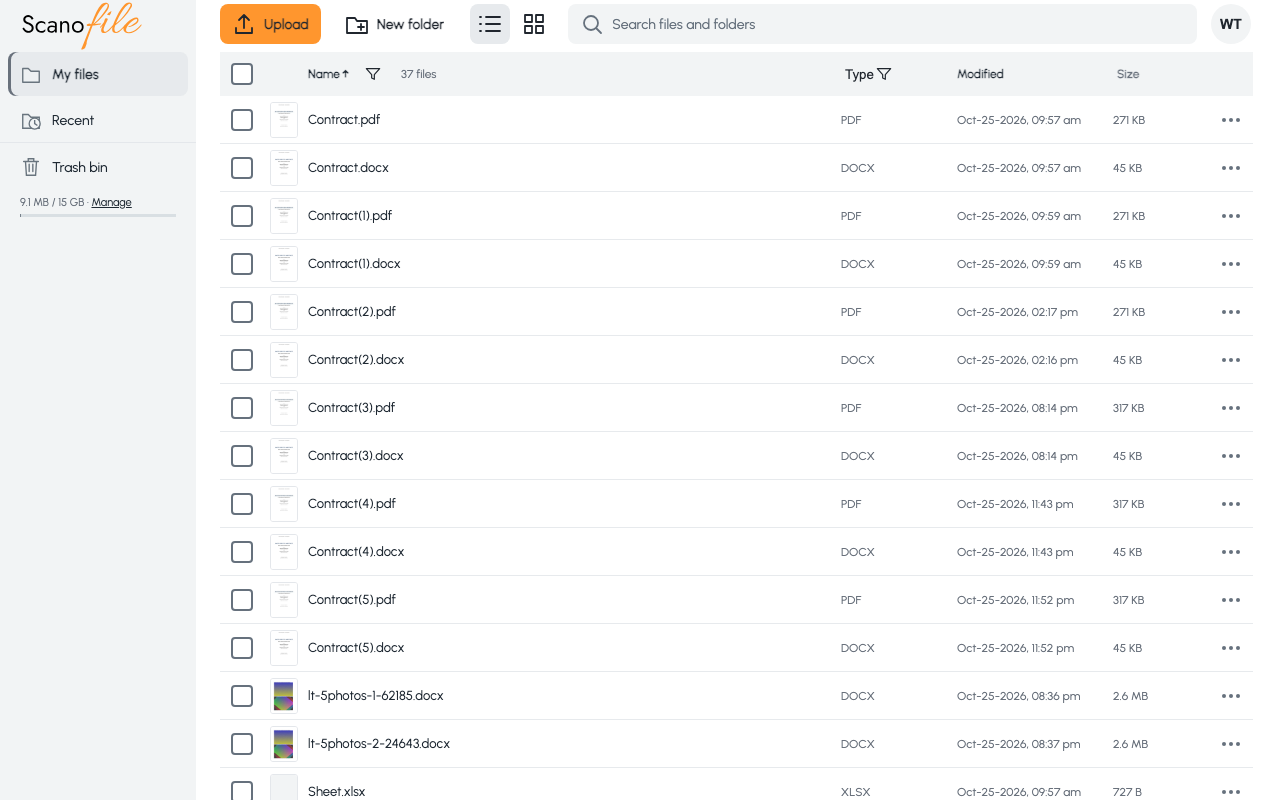
Go to app.scanofile.com and sign in. Your files open on My files.
2. Add a file
Choose Upload at the top of the page and select a PDF, a Word document or a picture from your device. The Uploading in progress window lists each file and says Uploading finished when everything is in.
3. Open it
Click the file name. A PDF opens in the viewer and a Word document (.docx) opens in the Word editor. Use Back to return to your files.