
Open and edit a Word document
Edit a .docx or .doc file in your browser and save your changes.
Before you start: A Word document (.docx or .doc) in your files, and an active subscription: editing Word files is part of it.
In this guide
1. Open the file
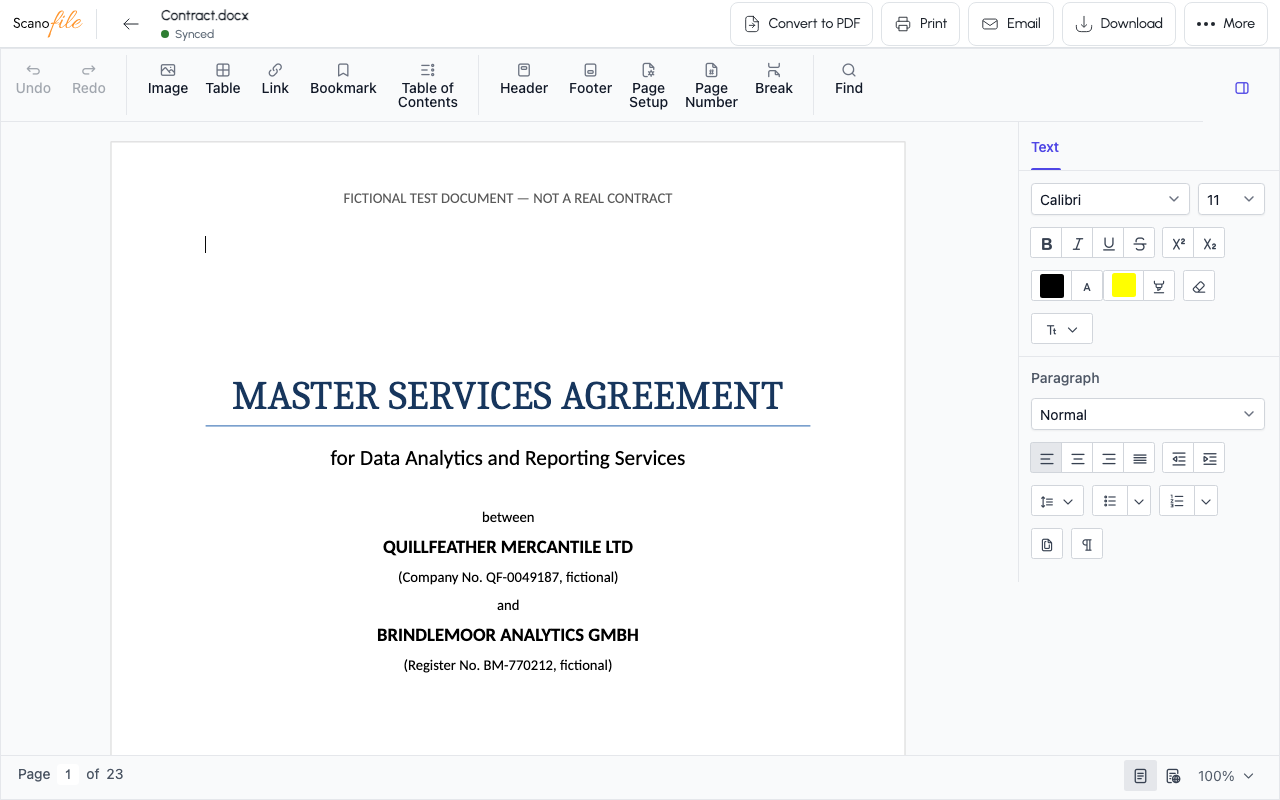
Click the Word document in My files, or choose Open in its three-dot menu. The editor opens in the same window.
2. Make your edits
Click in the text and type. The tools above the page and the panel on the right set fonts, bold, italic, lists, alignment, tables and pictures.
3. Save your changes
Choose the back arrow at the top left: it saves your changes first and then shows Saved. If you close the page without saving, the editor offers Restore unsaved changes? the next time you open the file.